

GO Smart Help Center

GO Smart Help Center

Admin Accounts & Login

Log In to Your Admin Site

Log in to the GO Smart admin portal with your username and password.

Last updated on 15 Apr, 2026

  1. Go to admin.gosmart.org.

  2. Type in your Username and Password.

  3. Click the Log In button.

If you don't know your login information use the Forgot Username and Forgot Password on the login page.

💡 Tip: Be sure to add noreply@gosmart.org as a trusted contact to ensure you receive all emails form GO Smart.
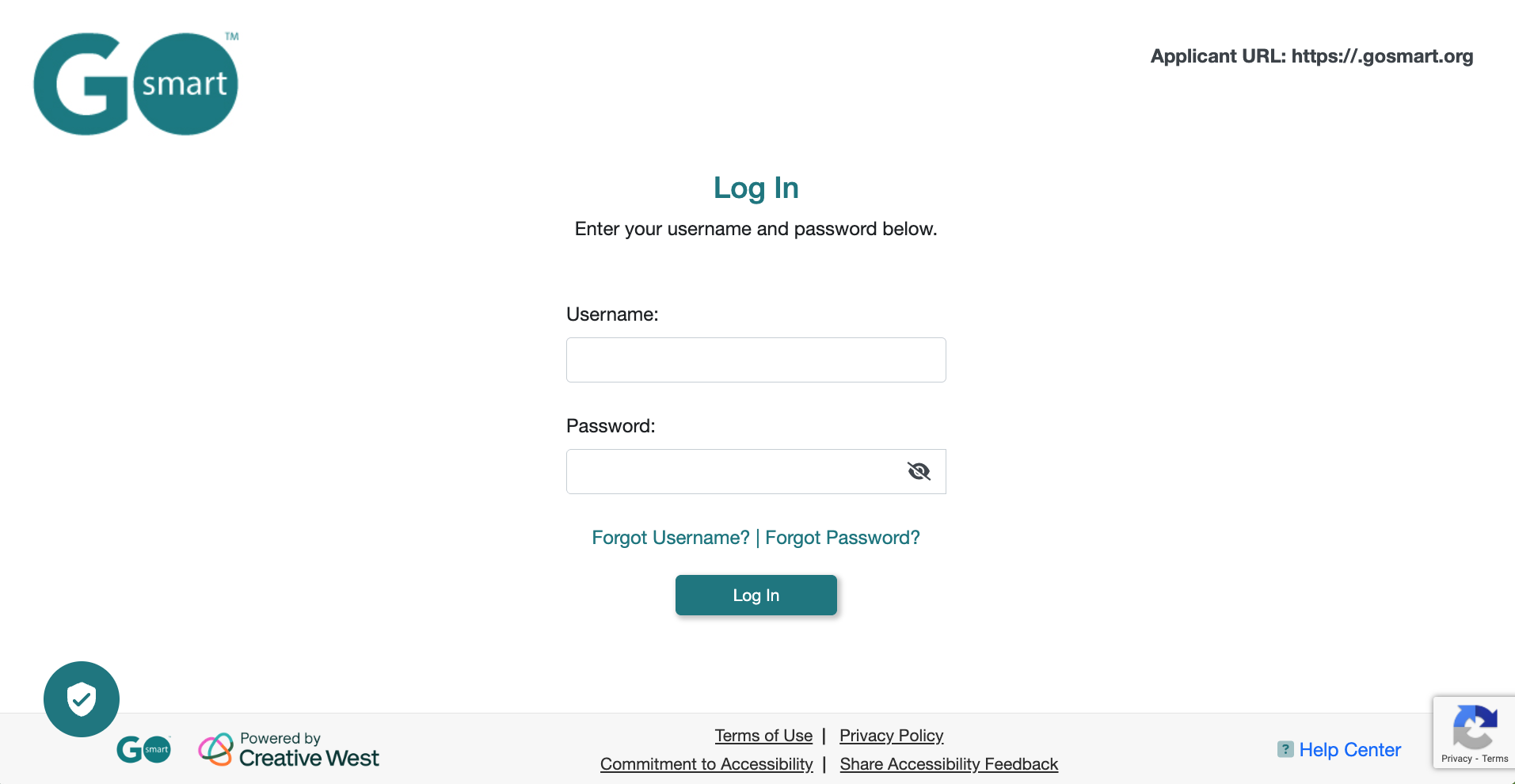
image.png

📸 Image displaying the GO Smart admin login page.

Did you find this tutorial helpful?
Previous

Edit Admin Account

Next

© 2026 GO Smart™ | Creative West (formerly WESTAF)

InstantDocs Logo