

GO Smart Help Center

GO Smart Help Center
Welcome to the GO Smart Help Center! Your resource designed specifically for Grant Admin.
Featured Tutorials

Build and Launch Your First Application Cycle
After your site is set up with the GO Smart team, you’ll be ready to build and launch your first grant. Begin in the Grant Editor tab.

GO Smart Applicant Portal and Application Set-Up Checklist
Ensure your portal and application are ready to launch by initializing your cycle, designing user-friendly pages, and including NEA Templates if you need federal reporting data.
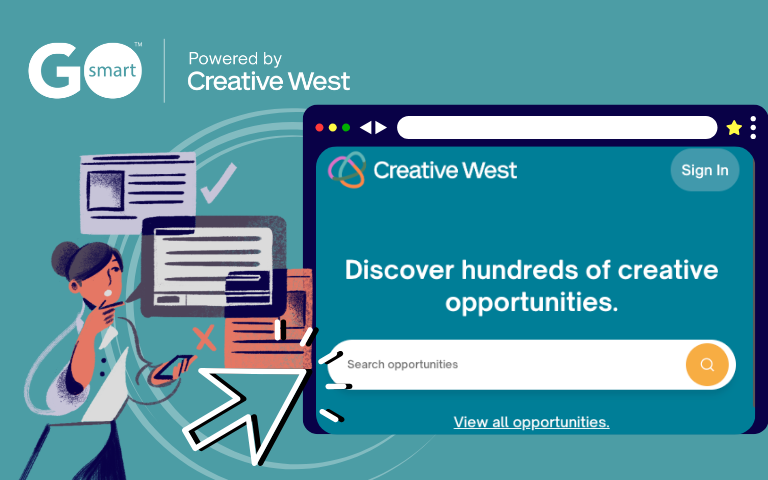
Preparing Your GO Smart Grant Listing for the Creative West Opportunities Portal
Creative West’s new Opportunities Portal brings together grant opportunities from GO Smart, CaFE, and ZAPPlication in one centralized, searchable experience. Including your active GO Smart application cycles can help more applicants discover your opportunities across the Creative West network.
🏁 New to GO Smart? Start here!
Set Up Your Applicant Portal
Get your applicant portal ready in the Front End Manager tab!
Set Up Your Application
Learn how to create an application and customize its settings in the Grant Editor tab.
Manage Applicant Submissions
Learn how to view, update, and manage applicant submissions with the Grant Manager Dashboard and other grant management tools!
Set Up Your Panel
Learn all of the essential components for setting up and running your panel in the Panel Editor.
Generate Reports & Analyze Data
Learn how to run a report for your application cycle and view application data in the Reports tab.
Manage Post-Award Processes
Explore the next steps after applicants are chosen for funding.
🔍 Found: Your New Favorite Tools
Create, Use, and Save Custom Templates
Insert your templates in new or existing grant cycles. Templates are available for Custom Narrative, Custom Calculation, and Intent to Apply pages.
Multiple Submission Tool
Set up a Custom Narrative page in the Grant Editor tab → Cycle Pages subtab to allow applicants to submit multiple responses to a single set of questions. Learn about setting submission limits using the Range, Minimum, Maximum, or Exactly limit types.
Apply Conditional Logic to an Application
Implement conditional logic on custom narrative pages to dynamically show or hide questions. For instance, an answer of "Yes" to "Did you receive funding last year?" will reveal extra questions, while "No" will keep them hidden.
📚 Resources for Panelists and Applicants
⭐ FAQs, Best Practices, and More Info
FAQs & Best Practices
Looking for a quick answer? Explore our various FAQs for different user types and tips/guides for new GO Smart admin.
Even More Info...
Looking for more detailed information about using GO Smart? Look here!
Webinars, Videos, and Announcements
Check out the latest news from GO Smart!
